Basic
A strong starting point if you are launching a focused Kajabi business with a smaller range of products.
- ✓ 5 products
- ✓ 2,500 contacts
- ✓ 1 website
- ✓ 1 community
- ✓ 2 admin users
Kajabi currently offers three main plans: Basic, Growth and Pro. You can pay monthly for more flexibility or annually for a lower effective monthly price.
A strong starting point if you are launching a focused Kajabi business with a smaller range of products.
More room for products, contacts and a growing digital business without moving into the highest Kajabi tier.
Kajabi's largest standard plan for established businesses that need substantially more capacity and multiple websites.
For many growing Kajabi businesses, Growth provides a useful middle ground between cost and capacity. Basic can be more than enough when starting with a smaller setup, while Pro becomes more relevant when you genuinely need the additional products, contacts, websites, communities or team access.
A large part of Kajabi's value comes from bringing several parts of an online business into one platform. Instead of paying for separate tools for your website, products, email, community and customer journeys, Kajabi connects them in one system.
Build your main website, sales pages, opt-in pages and landing pages inside Kajabi, keeping your marketing and products connected.
Create and deliver online courses, downloads, memberships and other digital products with structured content, lessons and customer access.
Run paid or free communities alongside individual or group coaching, with scheduling, resources and customer access kept together.
Send broadcasts and automated email sequences, then trigger actions based on purchases, forms, customer behaviour and other events.
Package products into offers, take payments, create payment plans and subscriptions, use coupons and manage the customer purchase journey.
Capture leads, manage contacts, build connected customer journeys and monitor the activity and revenue happening across your Kajabi business.
That does not automatically make Kajabi the cheapest option for every business. But when you genuinely need a website, digital products, email marketing, automation, payments and customer delivery, comparing the subscription against the combined cost and complexity of several separate platforms gives a much fairer picture.
The right plan is usually determined by the size and complexity of your business, not simply by choosing the most expensive option. For many businesses, it makes sense to start with what you actually need and move up as you grow.
Basic is likely to be enough if you are building a relatively simple Kajabi setup and do not yet need a large number of products or contacts.
Don't pay for capacity you do not need yet. Basic can be a perfectly sensible place to start.
Growth is the plan I would expect many established Kajabi businesses to consider once they need more flexibility, products and capacity.
For many established Kajabi businesses, Growth offers the most useful balance between price and capacity.
Pro makes more sense once your requirements go beyond what a single standard Kajabi setup can comfortably handle.
I would only move to Pro when the extra capacity or functionality genuinely solves a business requirement.
Kajabi allows you to change plans as your business develops, so I normally recommend choosing based on what you genuinely need now rather than paying for future capacity you may never use.
Kajabi is not the cheapest way to launch an online business. But comparing the monthly subscription with a single-purpose tool can be misleading. The better question is how many separate platforms you would otherwise need to run the same setup.
Depending on your business, you may otherwise need several different subscriptions and integrations to create the same overall system.
Separate tools can sometimes be cheaper, especially when your needs are simple, but the overall setup can become more fragmented as the business grows.
Kajabi combines many of those functions inside one ecosystem, which can reduce the number of subscriptions, integrations and moving parts you have to manage.
The value is often less about getting the cheapest individual tool and more about having fewer platforms to connect, maintain and troubleshoot.
If you only need one simple function, Kajabi can feel expensive. If you are building a business that needs a website, digital products, email, automation, payments and an ongoing customer experience, the value becomes much easier to justify. I normally recommend looking at the whole system you need rather than the subscription price in isolation.
Kajabi does not take a revenue share from your sales as a platform. You keep the money you earn, although payment processing and certain optional transaction-related fees can still apply.
This is different from platforms that charge an additional percentage every time you make a sale. You will still have payment processing costs, just as you would when taking card payments through other payment processors.
Current Kajabi Payments processing rate for standard UK-issued credit and debit cards.
The current rate for premium UK-issued cards processed through Kajabi Payments.
The current Kajabi Payments rate when a customer's card is issued within the EEA.
The current rate for cards issued outside both the UK and EEA.
Kajabi Payments currently adds a 0.7% recurring billing fee to subscription and payment-plan transactions. This applies alongside the standard processing rate and includes the first payment in the series.
If you sell a £1,000 product, Kajabi is not automatically taking a percentage of that £1,000 simply because the sale happened on Kajabi. Your payment method and the way the customer pays determine the processing costs that apply.
A few of the most common questions I get about Kajabi pricing, plans, fees and getting started.
Kajabi currently has three main plans: Basic, Growth and Pro. The price depends on the plan you choose and whether you pay monthly or annually. Annual billing normally gives you a lower effective monthly price.
Kajabi displays its main subscription prices in US dollars, so the exact amount you pay in pounds will depend on the current exchange rate and any currency conversion applied by your payment provider. UK businesses should also consider payment processing fees when working out the overall cost of using Kajabi.
Yes. Kajabi normally offers a lower equivalent monthly price when you pay for the year upfront. If you know you are going to use Kajabi long-term, annual billing can reduce the overall subscription cost. Monthly billing gives you more flexibility.
Yes. Through my Kajabi partner link you can currently start with a 30-day free trial, giving you time to explore the platform and begin building before committing to a paid plan. Start your 30-day free trial →
Kajabi is not a permanently free platform. You can use a free trial to test Kajabi before paying, but you will need a paid subscription if you want to continue using your Kajabi website, products, email and other features once the trial ends.
Kajabi does not take a general revenue share simply because you sell through the platform. Payment processing fees still apply, and additional fees can apply to certain payment methods or features. The exact amount depends on how your customer pays and the payment setup you use.
Yes. You do not need to choose the perfect Kajabi plan for the lifetime of your business. You can move between plans as your products, audience, team and requirements change. That is why I usually recommend starting with the plan that genuinely meets your needs now.
Yes. You can cancel your Kajabi subscription from your account. The timing and billing implications can depend on whether you are on a monthly or annual subscription, so I would always check your current billing details before cancelling.
For a newer Kajabi business with a relatively simple setup, Basic is often enough to get started. I would normally move to Growth once you genuinely need the additional products, contacts or team capacity rather than paying for features you are not yet using.
It depends on what you need. If you only need one simple tool, Kajabi can feel expensive. If you need a website, courses or digital products, email marketing, automation, payments and customer delivery, having those pieces in one system can make the subscription much easier to justify.
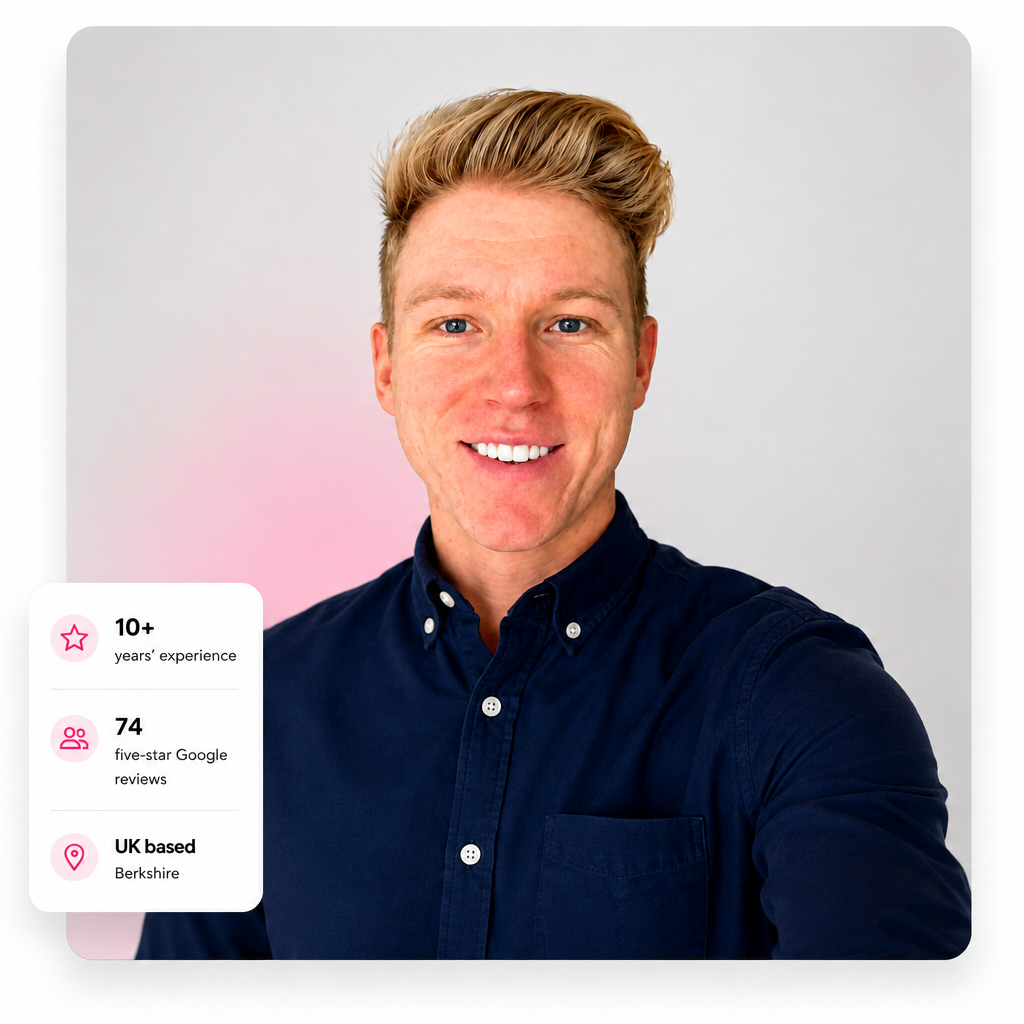
I'm Stuart Waters, founder of BrandRemote and an Official Kajabi Expert. I work directly with businesses using Kajabi to build and improve websites, courses, memberships, communities, email marketing, automations and wider customer journeys.
That means the recommendations on this page are not based purely on Kajabi's feature list. They are informed by actually working inside the platform and seeing how different businesses use it in the real world.
I have also worked across websites, digital platforms, ecommerce and automation for more than 10 years, so I can look at Kajabi as part of the wider technology behind a business rather than treating it as a standalone tool.
The best way to decide whether Kajabi is worth the cost is to explore it for yourself. Use the free trial to test the platform, start building and see how it fits the way you want to run your online business.
Start Your 30-Day Free Trial →I work directly with Kajabi businesses on websites, products, courses, communities, email, automations, integrations and wider customer journeys. If you already have Kajabi and need help improving or building your setup, get in touch.
Work With A Kajabi Expert →
Get started today before this once in a lifetime opportunity expires.